Remote commands
From the Comandi (commands) menu in the vehicle header you send commands to the tracker installed in the vehicle. The available commands depend on the tracker and on how it is connected to the vehicle.
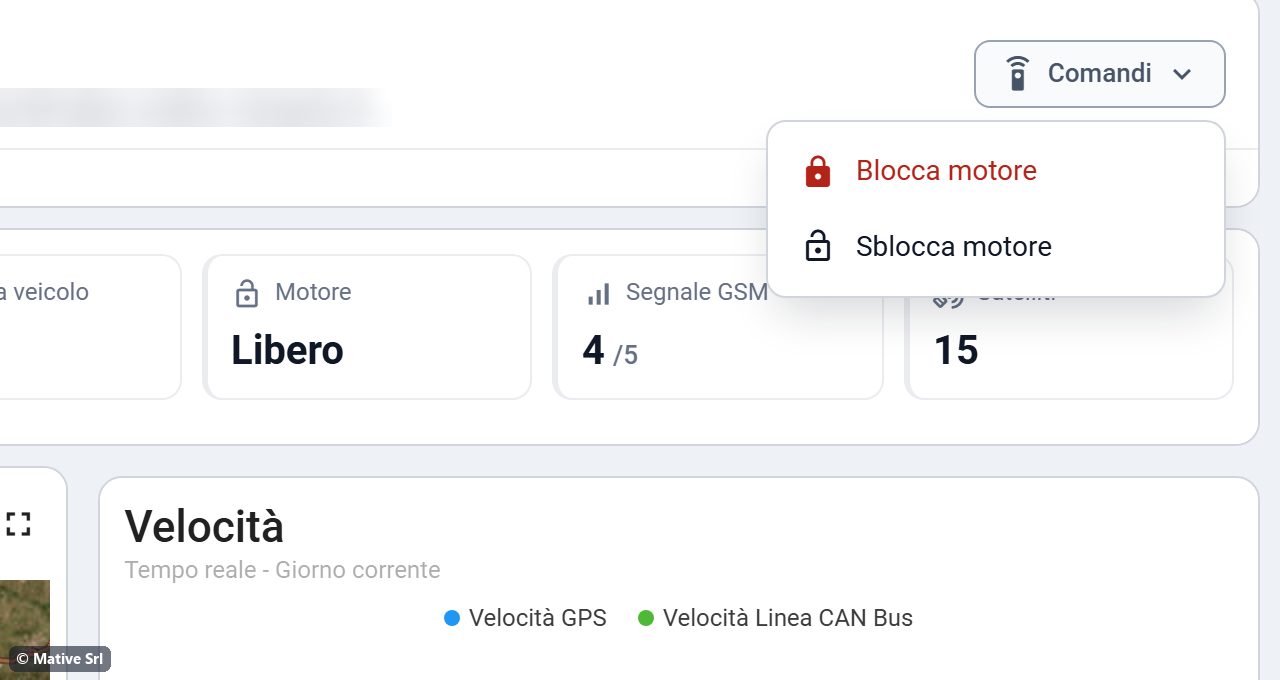
| Command | Available on |
|---|---|
| Blocca motore (lock engine) | All vehicles with engine lock |
| Sblocca motore (unlock engine) | All vehicles with engine lock |
| Apri porte / Chiudi porte (open / close doors) | Vehicles connected through the CAN bus |
| Apri bagagliaio (open trunk) | Vehicles connected through the CAN bus |
Confirming a command
Every command asks for confirmation before it is sent.
- For Blocca motore, type the vehicle plate in the box. The confirm button becomes active only when the plate is correct.
- If the vehicle is moving, the window shows a warning.
- Annulla, the Esc key or a click outside the window closes it without sending anything.
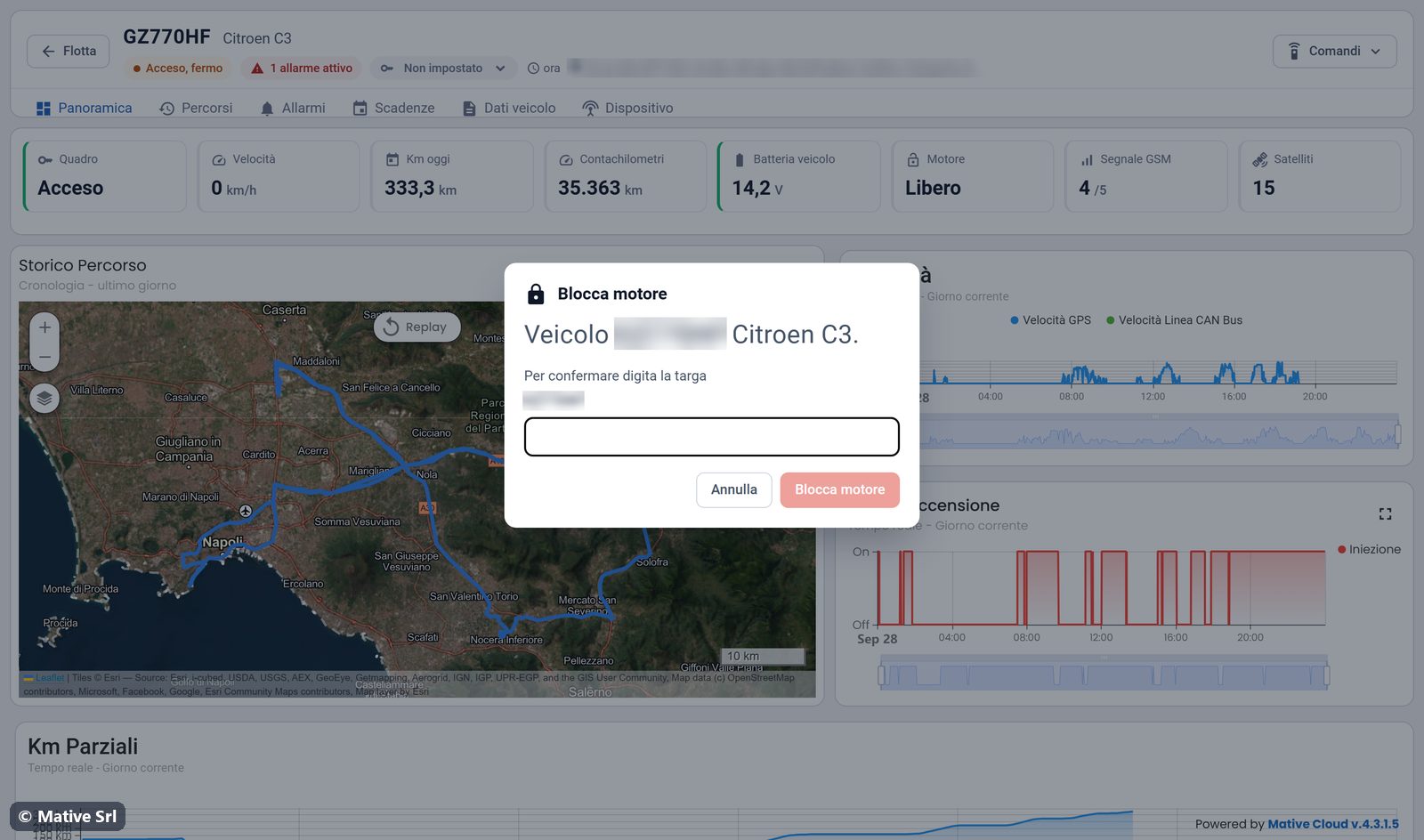
While the command is being sent, the button shows Invio… (sending). When it is done, the Motore tile and the header show the new state. Every command is recorded in the Storico Comandi (command history) on the Dispositivo tab.
Safety
The trackers have a safety measure: the engine lock is activated only when the engine is off.