Trips and replay
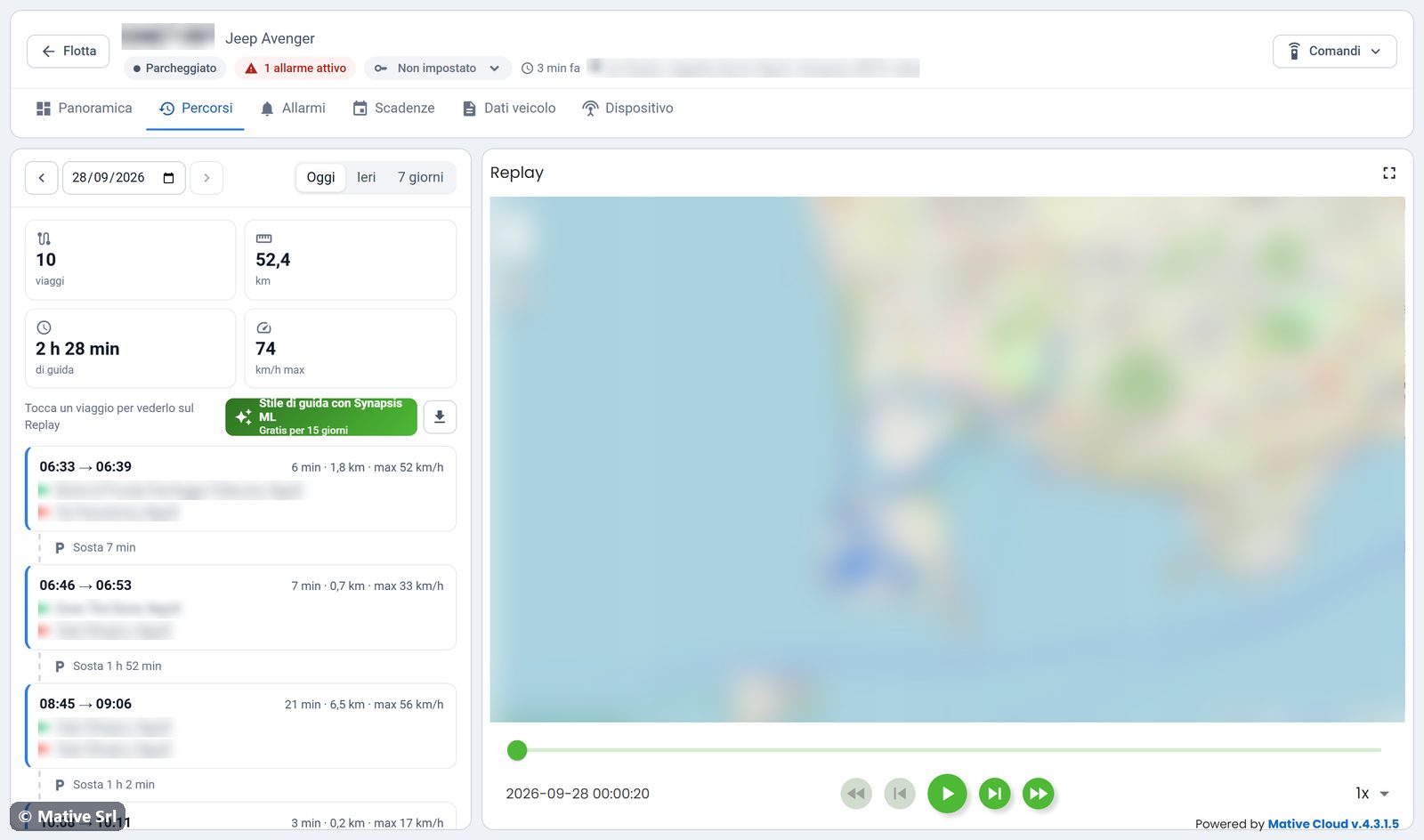
The Percorsi (trips) tab lists the trips of a vehicle and replays them on the map. The list is on the left and the Replay map is on the right.
Choosing the period
- Oggi, Ieri, 7 giorni: today, yesterday, the last 7 days.
- The arrows and the date field move to another day.
At the top you find the totals for the period: number of trips, km, driving time and maximum speed.
How trips are built
Trips are rebuilt from the ignition history of the vehicle:
- a trip starts when the ignition is switched on and ends when it is switched off;
- a stop shorter than 5 minutes does not split the trip;
- trips shorter than 1 minute or 0.1 km are not shown;
- km come from the odometer, and the maximum speed is the highest value between GPS and CAN bus.
Each trip shows start and end time, duration, km, maximum speed, the departure address (green dot) and the arrival address (red dot). Between two trips the list shows the stop (Sosta) and its length.
Replay
Click a trip to show it on the Replay map. Tutto il periodo sul Replay (whole period on replay) shows all the trips of the period again.
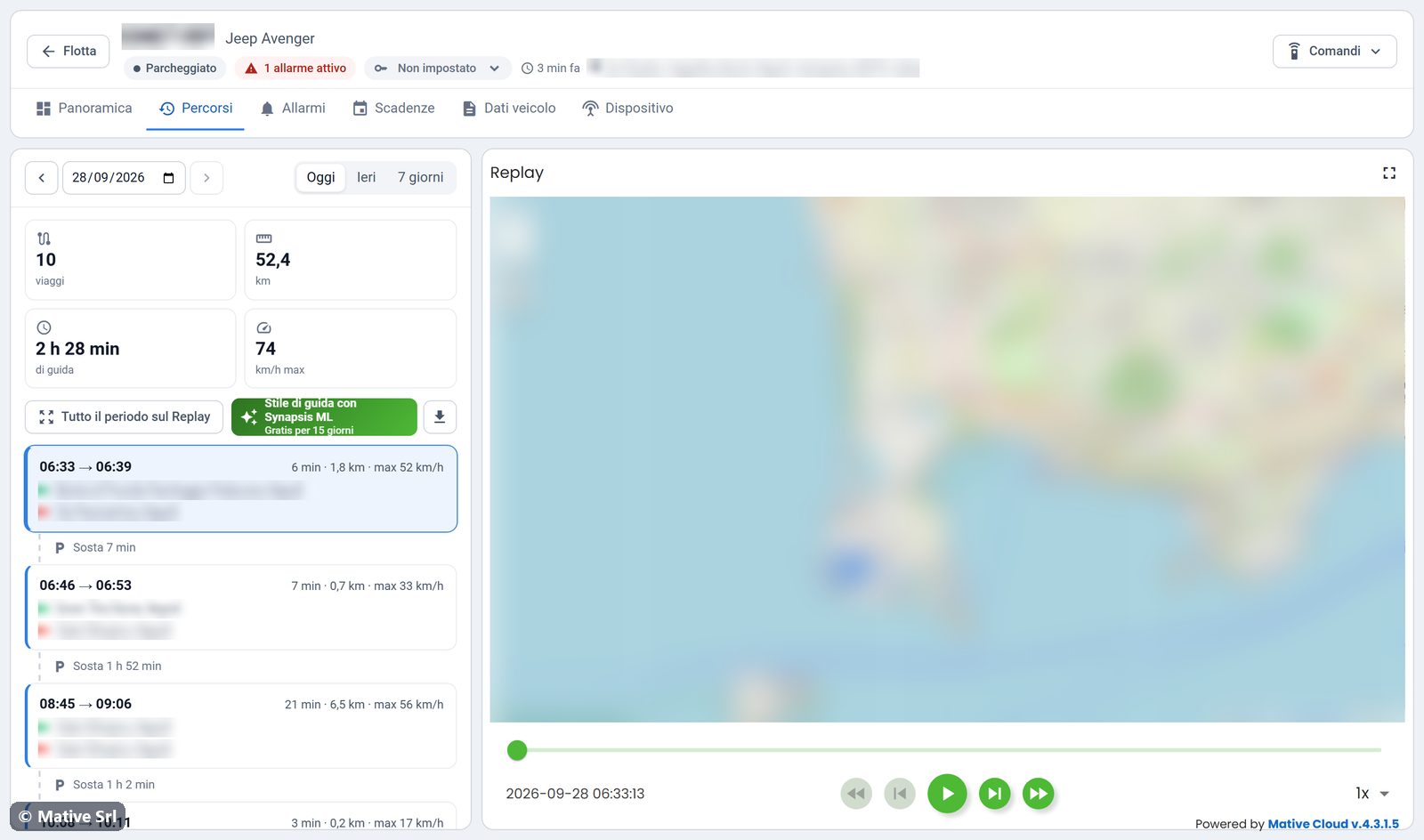
Under the map you find the replay controls:
- play, step back and step forward;
- speed, from 1x up;
- the slider to move along the route, with the date and time of the current point.
Above the list, Stile di guida con Synapsis ML (driving style with Synapsis ML) opens the analysis of the driving style, free for 15 days. The download button next to it exports the trips of the period to a CSV file.